NinjaBot: Admin Commands
Table of Contents
NinjaBot can announce when someone joins and leaves your Discord server! The messages can also be customized to meet your needs.
Permissions:
All notification commands require that the user using the commands is at least able to kick people on the discord server. This is in place to ensure that a random person on the server can't be changing these settings.
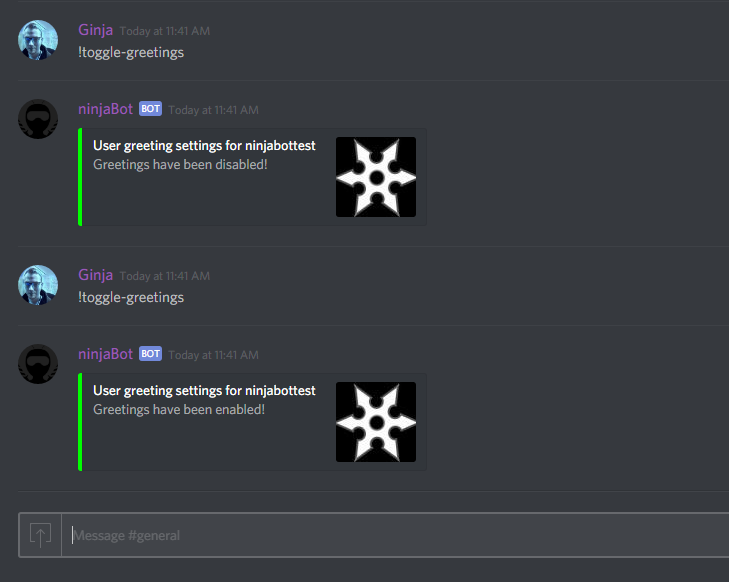
To turn greeting/leaving notifications on or off, use:
!toggle-greetingsNote: This command will send the greetings to the channel they are turned on in. If you’ve turned them on in a channel you do not want greetings in, simply toggle it on in the channel you do want to see them in!
Example:
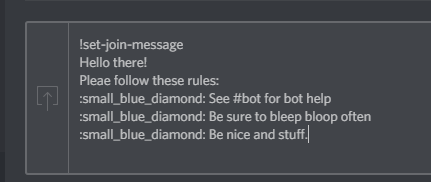
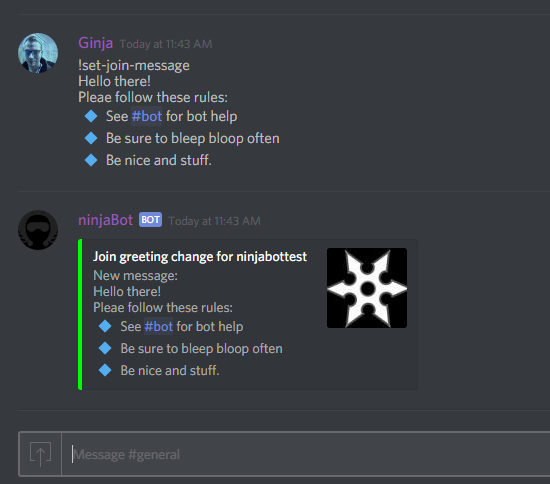
You can customize the message displayed when someone joins the server! To do this, use:
!set-join-message <message>Example:
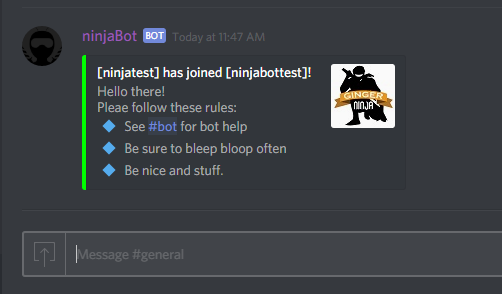
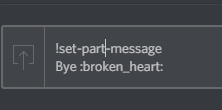
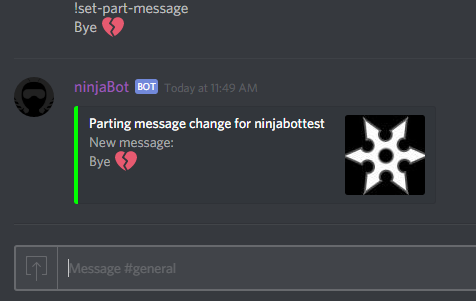
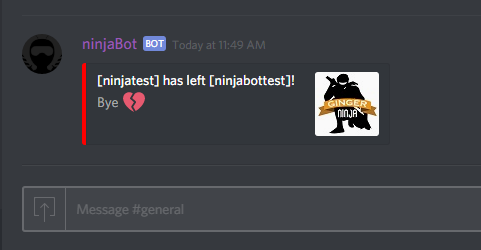
You can also customize the message displayed when someone leaves your server. To do this, use:
!set-part-message <message>Example:
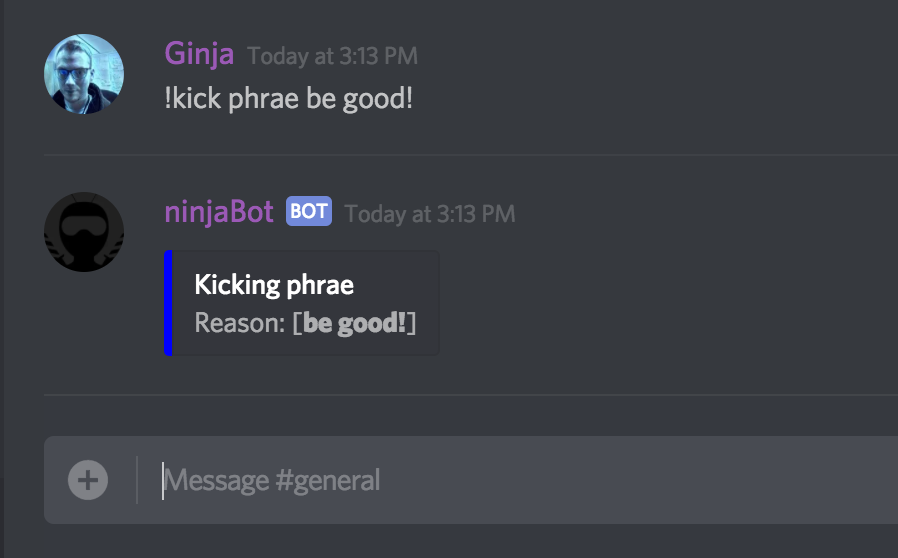
NinjaBot can kick members. To do this, the bot itself will need to have the correct permissions on your Discord server. If it does not, you will get a permissions related error message upon using the command. The user initiating the command will also need to have at least the Kick Member user permissions accordingly.
!kick user reasonExample:
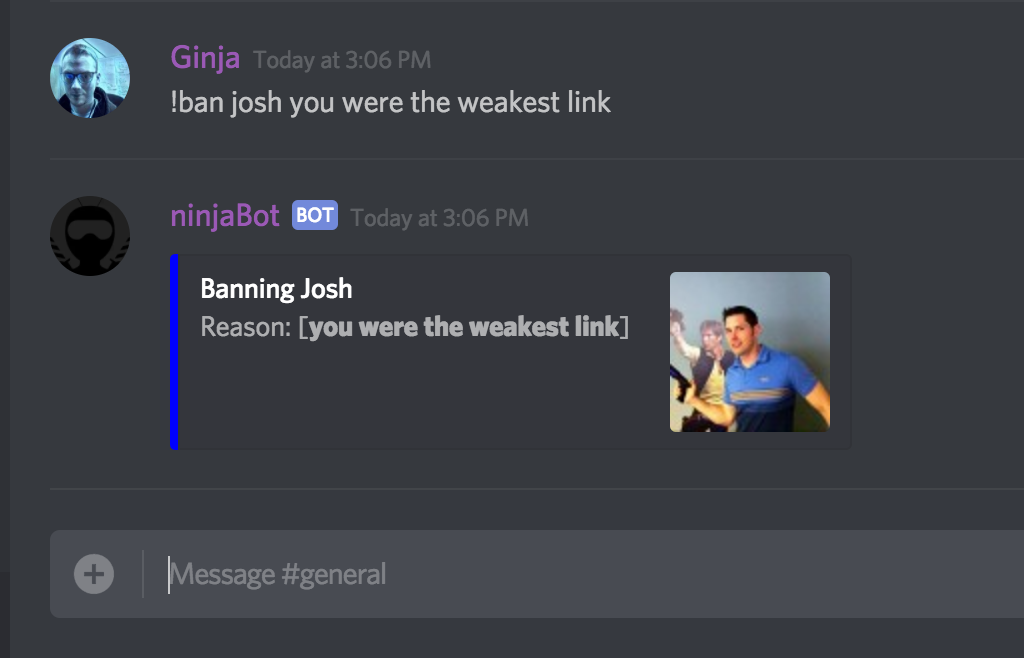
NinjaBot can ban members. To do this, the bot itself will need to have the correct permissions on your Discord server. If it does not, you will get a permissions related error message upon using the command. The user initiating the command will also need to have at least the Ban Member user permissions accordingly.
!ban user reasonExample:
There are a lot of other bots out there! If you’d like to change the prefix for NinjaBot commands, use the following:
!change-prefix Example:
!change-prefix +Now NinjaBot will listen to commands prefixed with +.
Comments
No comments yet. Be the first!