PowerShell: Email yourself a workout routine
I've been into fitness for quite some time. Personally, for logging my workouts I love to use Fitocracy. As for finding my rep max and getting back into a workout routine... I took a geekier approach.
Why and what it taught me
This script was my way to learn how to do some math in PowerShell. From percentages to basic rounding, and then some. I wanted to do the rounding so the "plate" math made more sense.
Here are some ways to run the script:
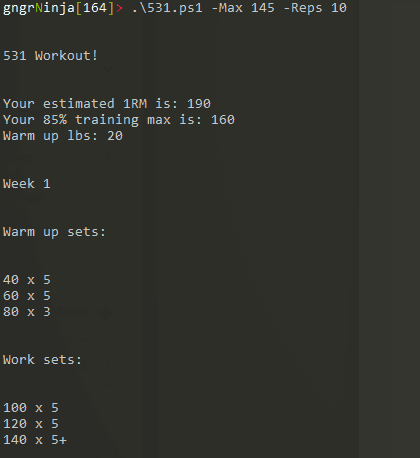
.\531.ps1 -Max 145 -Reps 10
Running it like this will give you an output in the console of what your 5/3/1 routine at this max and rep range would be.
Another way to run it would be:
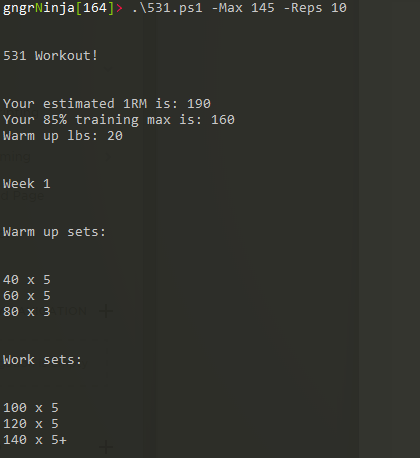
.\531.ps1 -Max 145 -Reps 10 -sendEmail [email protected] -workoutName Squats
The above would send the routine to that email address with the workout name in the subject line.
What you'll need to setup
If you want to use the email portion of this script you'll want to change the variables $emailUser, $emailFrom, $emlSignature, and if you're not using Gmail $SMTPServer.
You can use the line that's commented out to store your password locally, machine key encrypted.
#"password" | ConvertTo-SecureString -AsPlainText -Force | ConvertFrom-SecureString | Out-File .\emlpassword.txt
The Code
Comments
No comments yet. Be the first!