NinjaBot: General Commands

Table of Contents
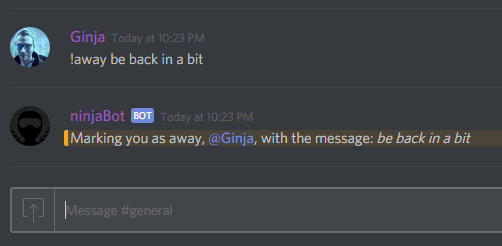
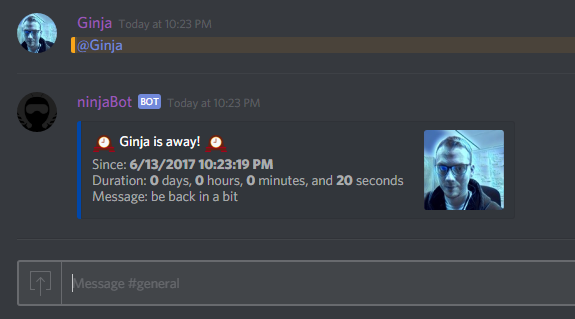
NinjaBot has an away system. You can use it to set yourself as away, with a message. If anyone @mentions you while you're away, they will be notified that you're away, and display the message you have set.
To set yourself as away, use:
!away message
Example:
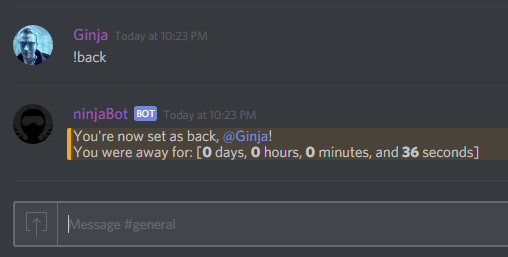
To set yourself as back, use:
!back
Example:
NinjaBot can access Giphy, and display random gifs!
Permissions:
- This command requires that the user using the command is at least able to kick people on the discord server. This is in place to ensure that a random person on the server can't be changing this setting.
To toggle Giphy on/off, use:
!giphy-toggle
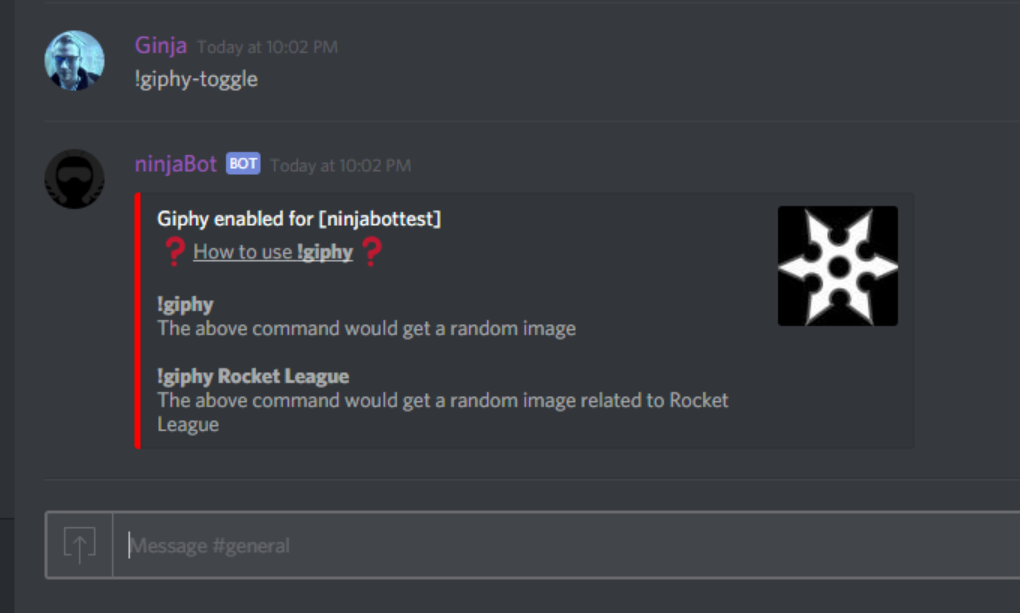
To display a random image, use:
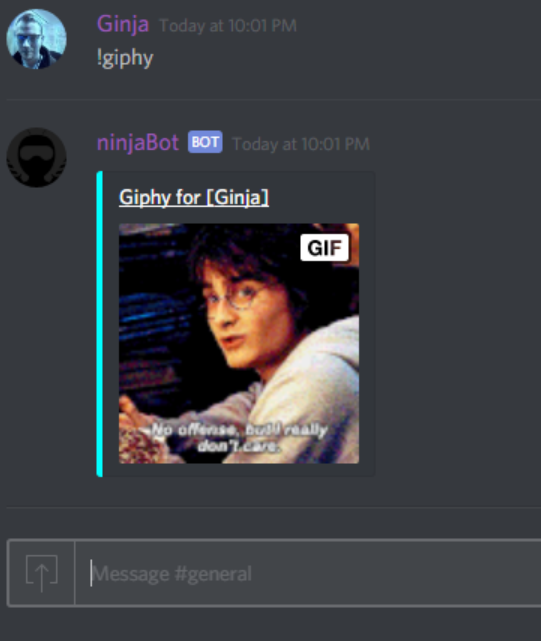
!giphy
To display a random image based on a search term, use:
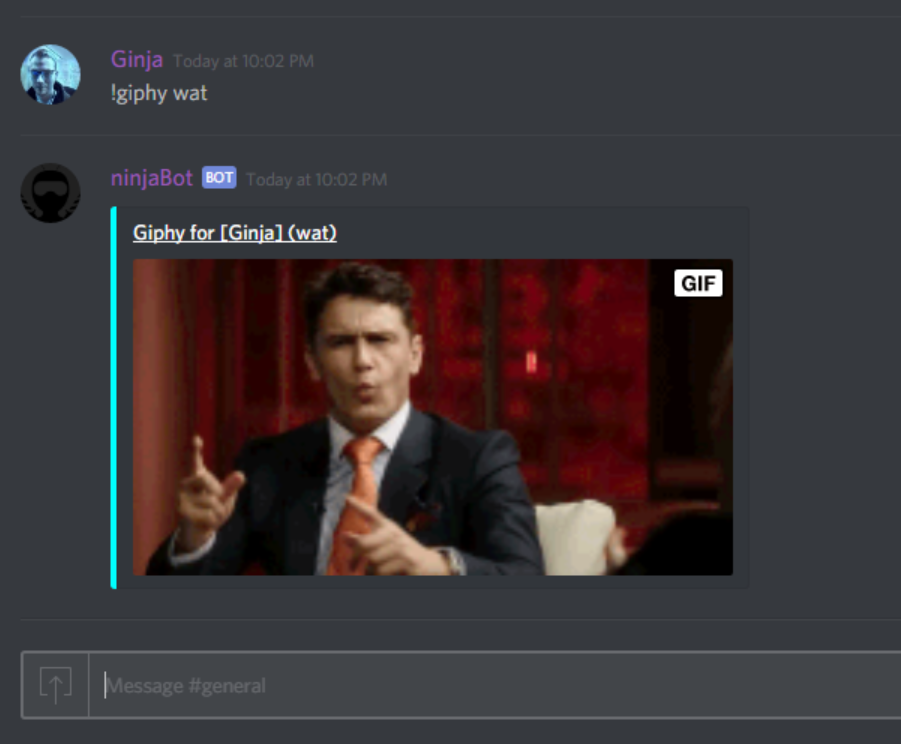
!giphy search term
Examples:
NinjaBot has a note system that can associate a note with a discord server. A user with the base permission of being able to kick people in the discord server is required to set the note. Anyone can get the note that has been set.
Permissions:
- This command requires that the user using the command is at least able to kick people on the discord server. This is in place to ensure that a random person on the server can't be changing this setting.
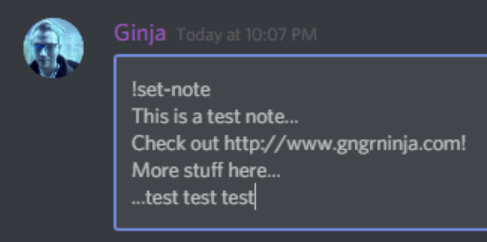
To set the note, use:
!set-note note goes here
Example:
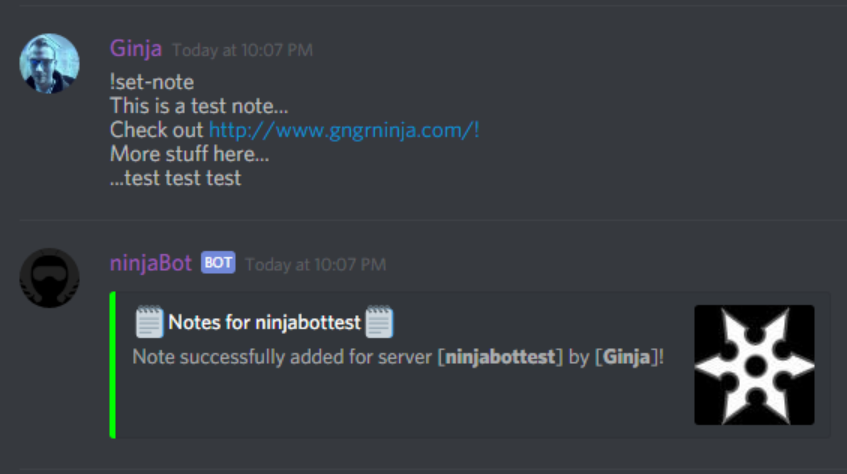
To retrieve the note that has been set, use:
!note
Example:
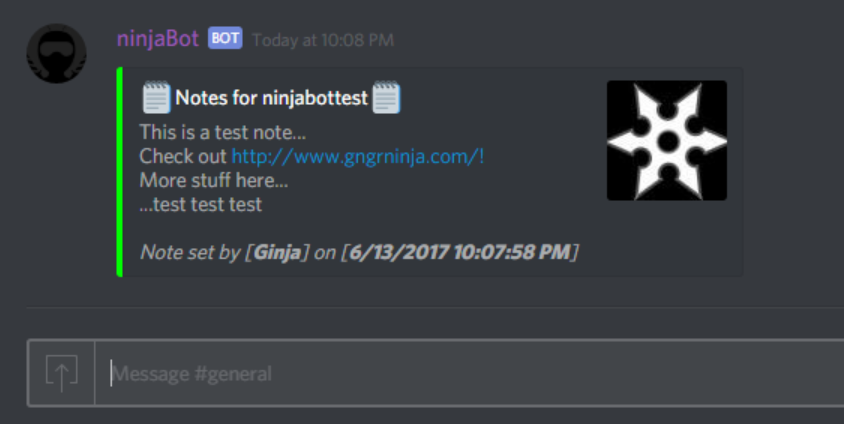
These commands are some random commands I have worked on that aren't really categorized elsewhere.
To get the definition of a word, use:
!define word
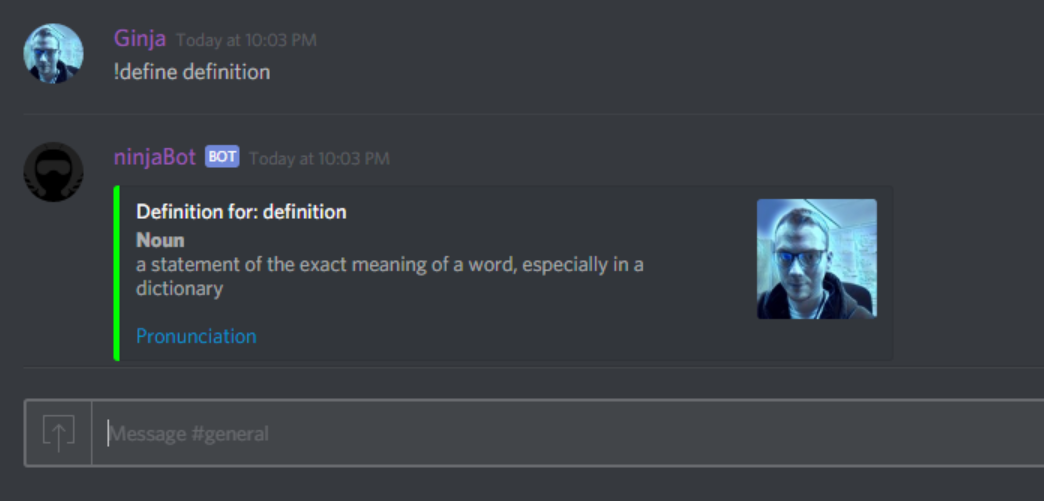
To ask the 8-Ball a question, use:
!8ball question
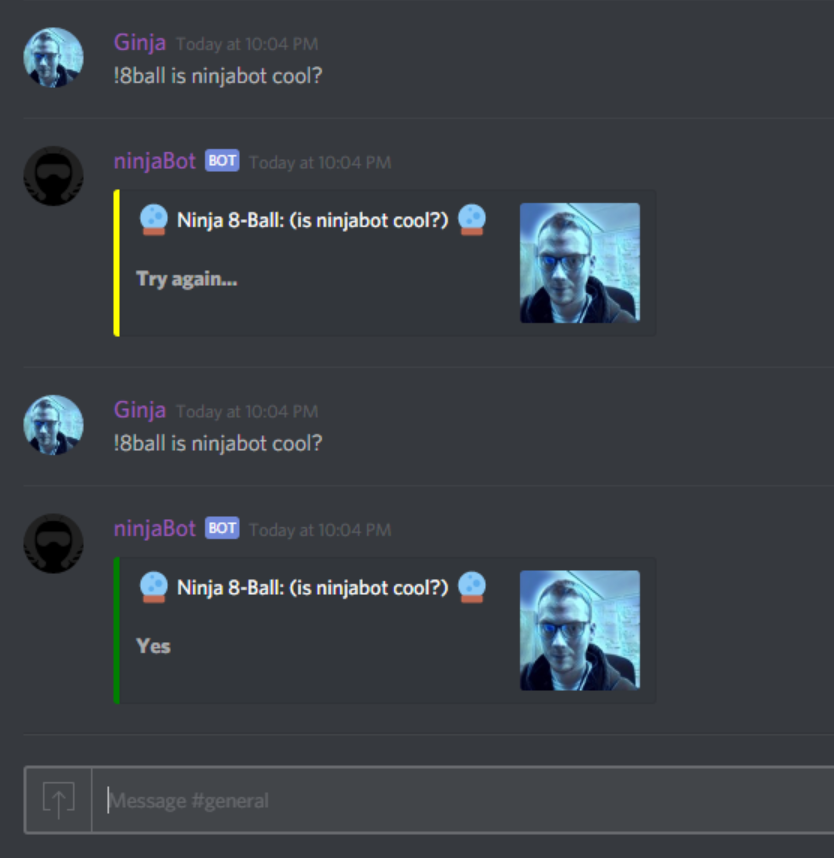
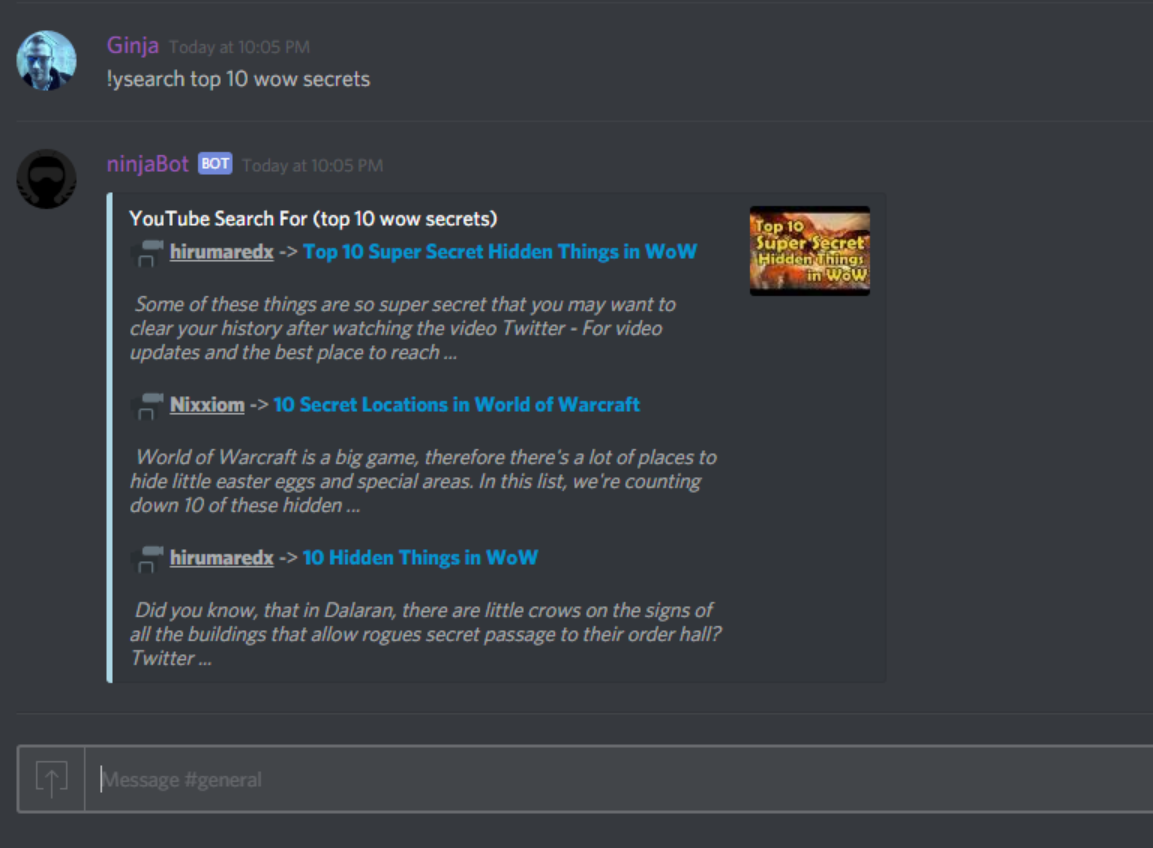
To search YouTube, use:
!ysearch search item
Comments
No comments yet. Be the first!