PowerShell: Calculating Standard Deviation
What a weekend! It's the tail end of a Sunday here, but it feels like several days have gone by. It all started with Friday night when my apartment building caught on fire. Apparently someone here didn't think it was a good idea to clear out lint from the dryer. Even though I live several stories under said person, I will have to vacate my apartment on Monday due to water damage from the sprinklers.
With all this going on, I figured why not write some PowerShell! My girlfriend has been asking me to write a script/function to help her out with calculating standard deviation in a quick fashion (preferably 10 key input). So here we are.
In this post you'll find
Math
I'm not the best at math, I'll admit that up front. My girlfriend is good at it, so she helped me with the math and I filled in the PowerShell gaps. What you see is the outcome from both endeavors.
I used a few different things in PowerShell to complete this task.
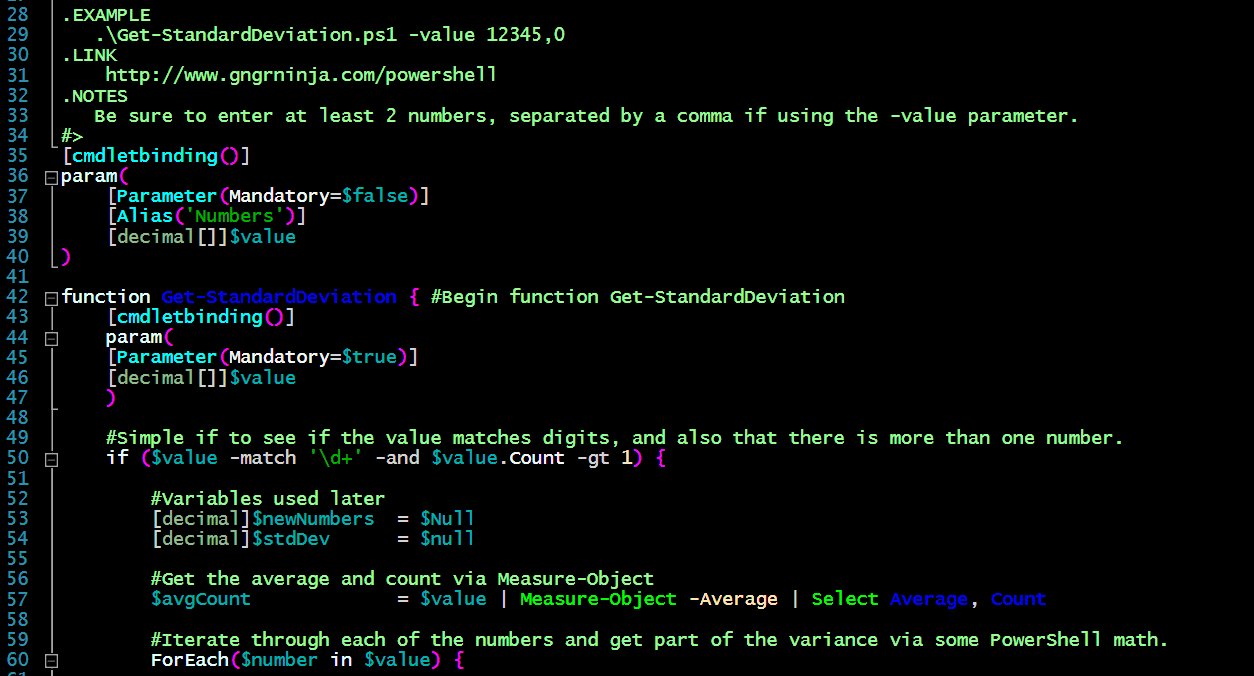
I declared a [decimal[]] array in order to get decimal values and ensure numbers are entered.
To get some simple error checking, I used an if statement to see if it indeed matches a digit (probably overkill since I used [decimal[]]), but also to ensure the count was greater than 1.
I then declare $avgCount, and use Measure-Object to get the average, and select the Average and Count properties.
After that I use a ForEach loop to iterate through all the number and do some math!
The above code takes each number in the array, get the number minus the average to the power of 2, and then adds it to the variable $newNumbers.
I then finish the calculation and store it in the variable $stdDev.
Once I had this information, I created an array and object. I added properties to it so I could show the original numbers used, the result, and the result rounded to different decimal places.
I then return that object array with sorting applied and formatted as a list.
To be sure this can be used a standalone function, or as script, I declared the value parameter twice. Once was at the top of the script, and the second time in the function. So this could be used as a script, I added this if statement at the bottom:
This ensures that if there is a value from the script being run with the arguments given to the value parameter, it will pass that along to the function. If not, it will simply run the function which will ask for the values. Another way to write this would have been to ask for the value and have it mandatory at the script level as well.
More math!
The [Math] static class is very handy.
You can see what the different methods are by using the following command:
[math].GetMethods() | Select-Object -ExpandProperty Name -Unique
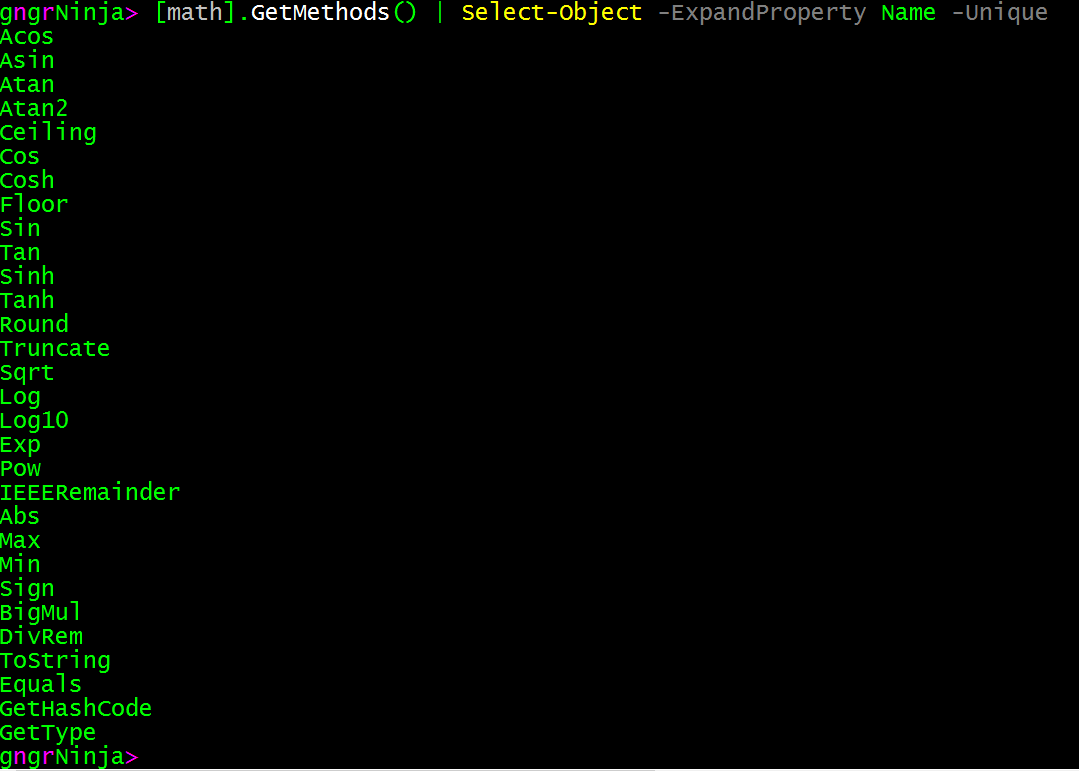
To see more of what it can do, check out this blog post from The Scripting Guy!
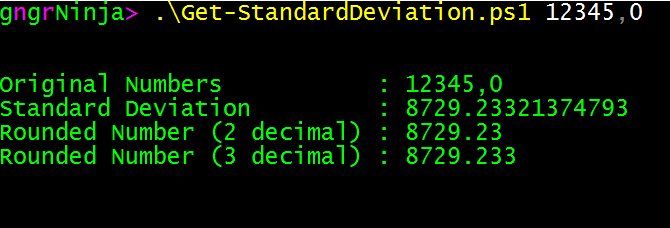
Here are some examples of the script in action.
Numbers after the script name, separated by a comma.
.\Get-StandardDeviation.ps1 12345,0
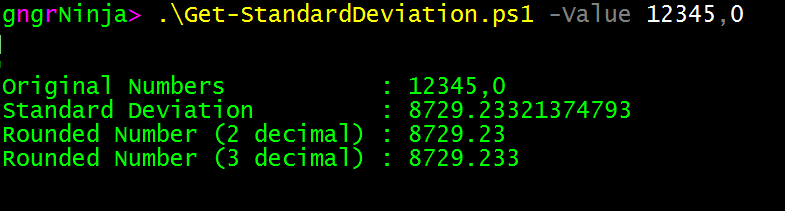
Numbers declared after the -Value parameter called, separated by a comma.
.\Get-StandardDeviation.ps1 -Value 12345,0
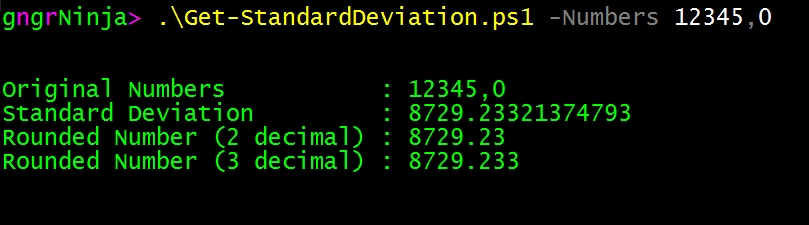
Numbers declared for the -Value parameter, but using the alias of Numbers. (Advanced parameters are fun!)
.\Get-StandardDeviation.ps1 -Numbers 12345,0
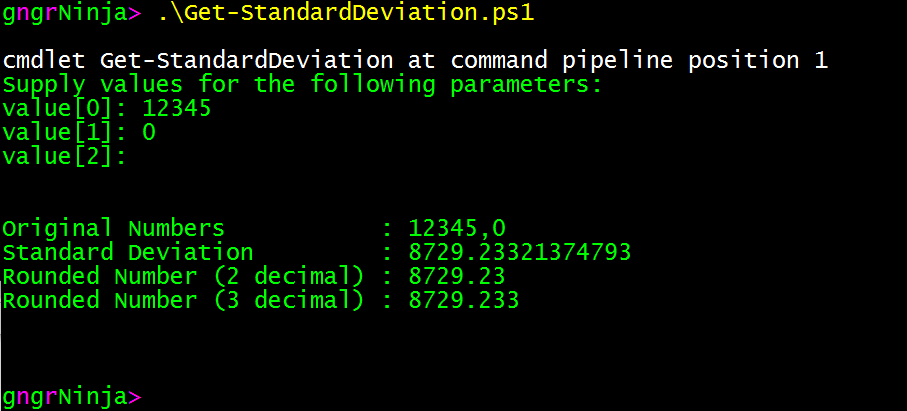
Finally, the way my girlfriend wanted it coded. She wanted to input numbers in succession and then hit enter.
.\Get-StandardDeviation.ps1
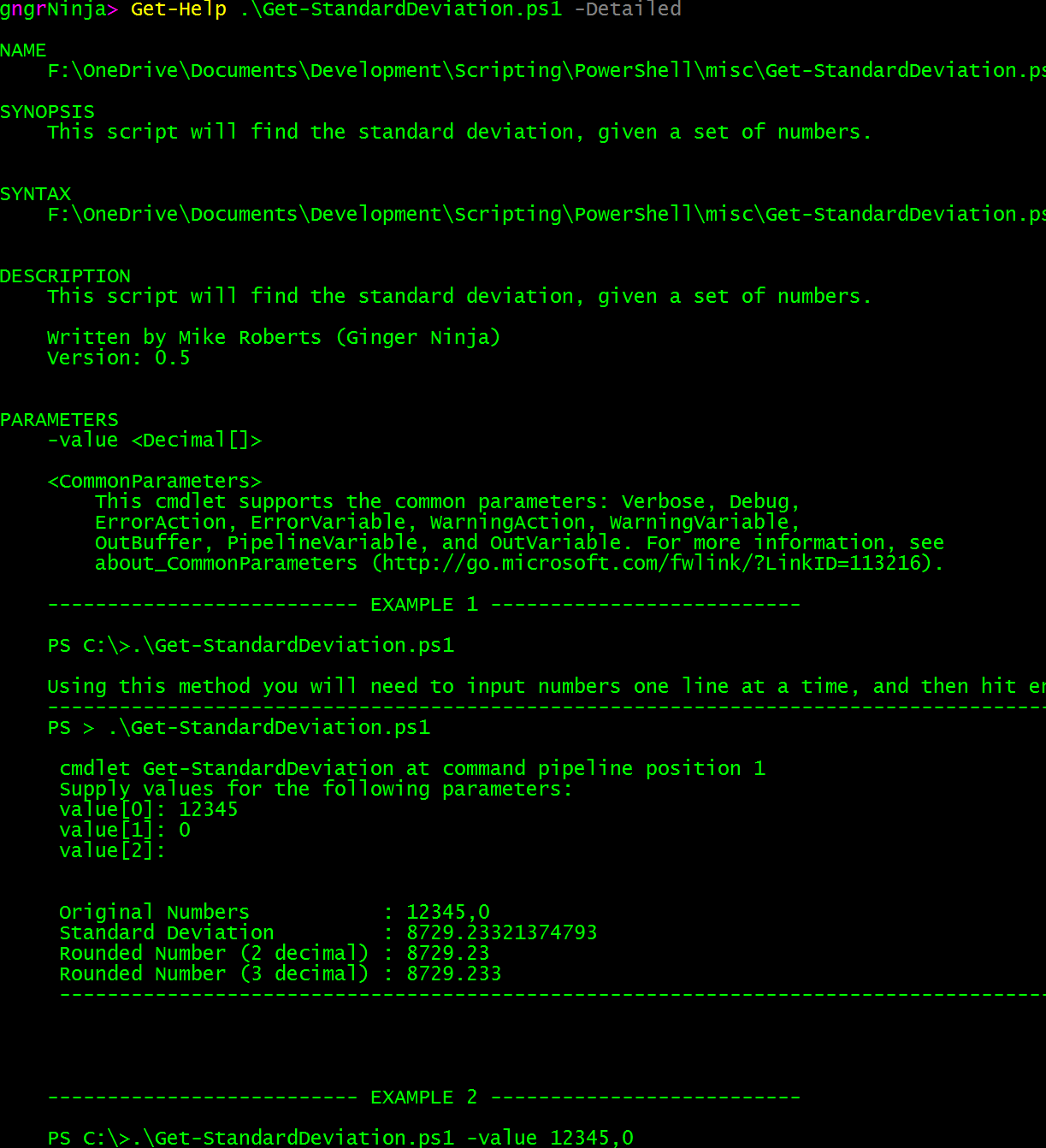
Help
You can see the help for this script by using:
Get-Help .\Get-StandardDeviation.ps1 -Detailed
That's all there is to it. Let me know if this helped you in any way, if you have any questions or comments, or maybe perhaps a different way to calculate standard deviation via PowerShell in the comments section below!
-Ginger Ninja
Comments
No comments yet. Be the first!