C# Discord Bot: Adding a Database
A database can be used to store and retrieve data that can make your bot even more robust. In this post, I will be going over how to create a database, and use it to expand our 8Ball command.
.NET Core 3.x
A fundamental understanding of the Discord.Net library, or following along step-by-step with (if you’re working on a local bot, just omit the Raspberry Pi steps!):
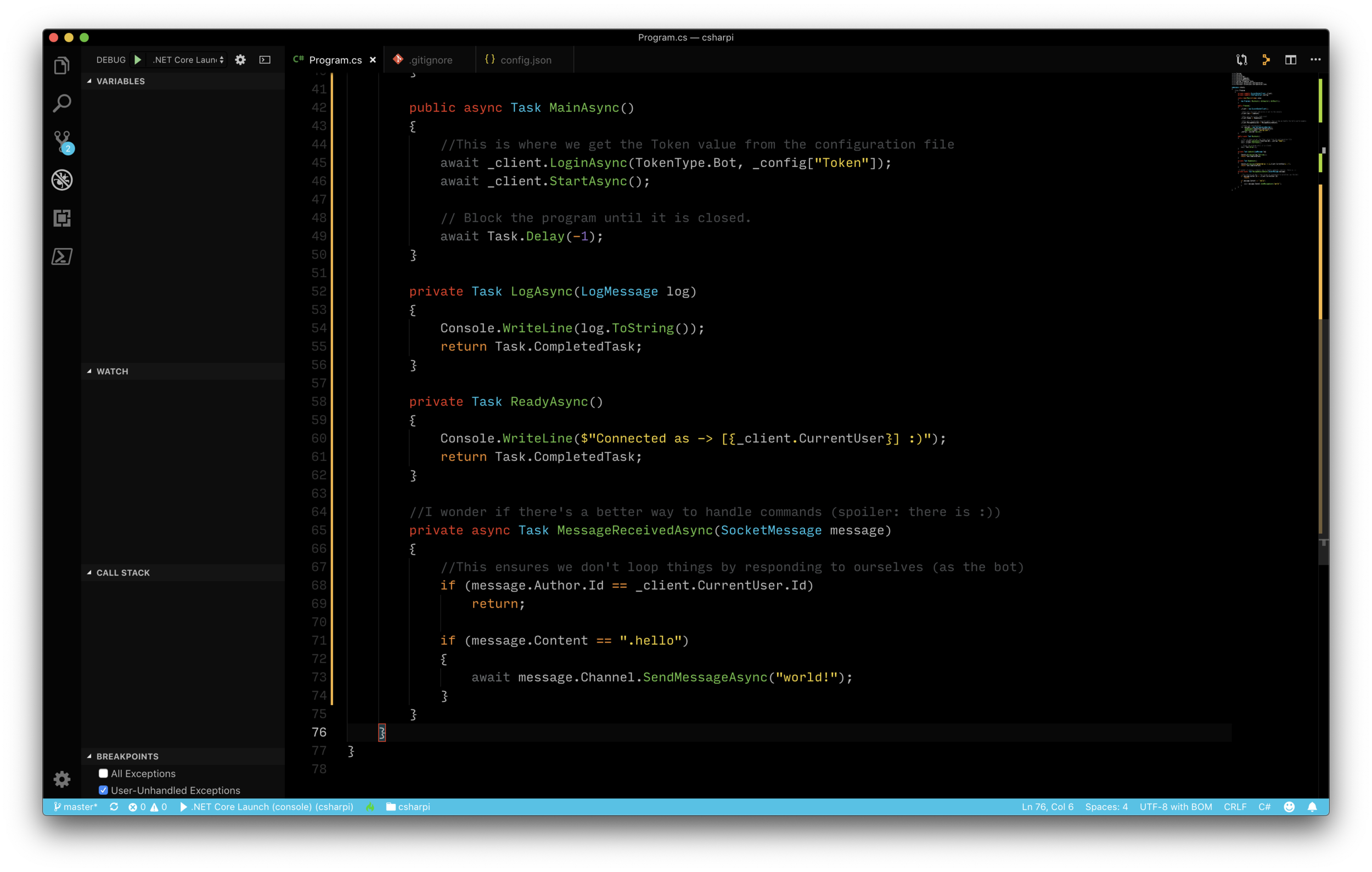
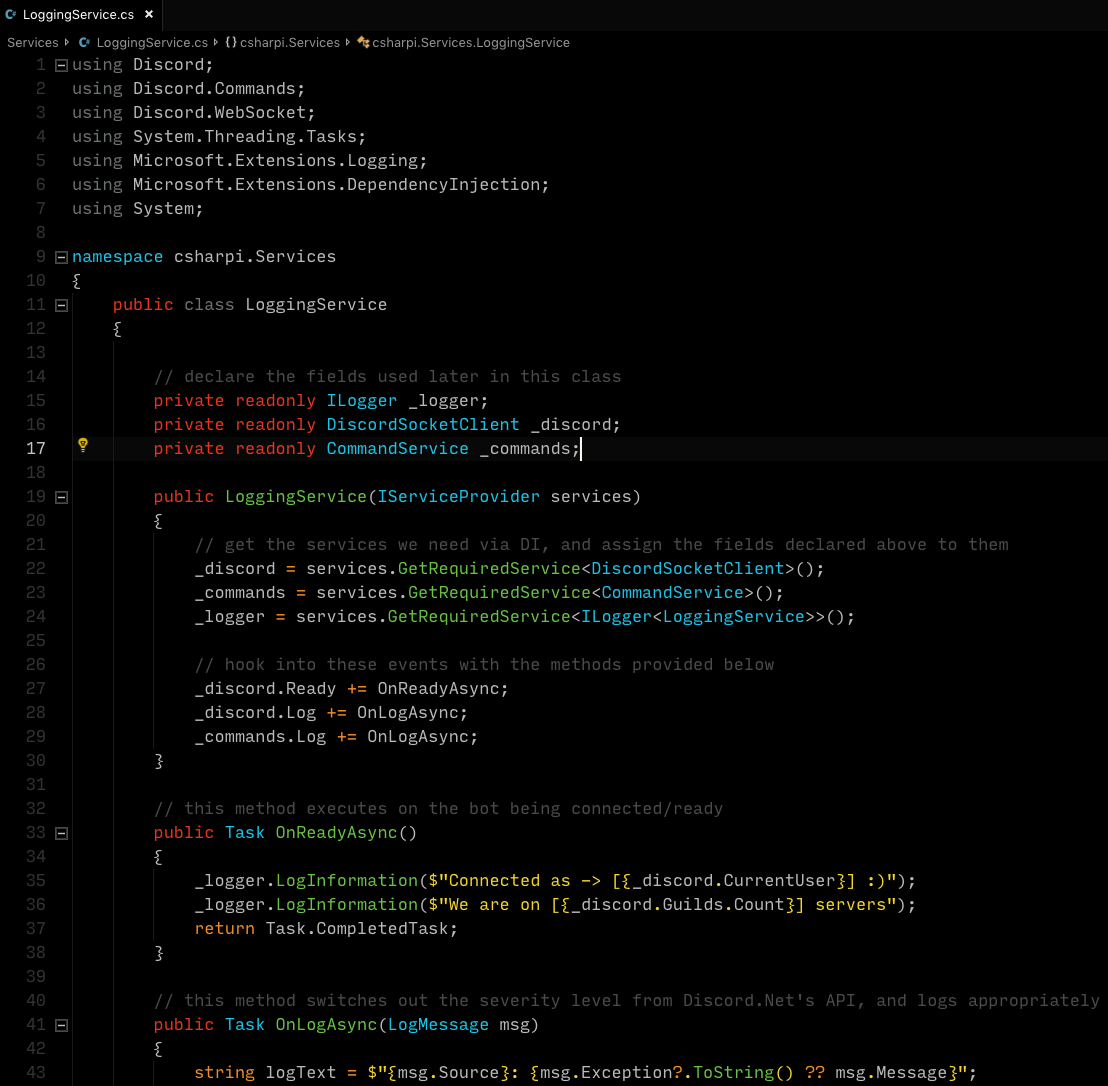
This post will be building off of the code found in the logging post, found here: https://github.com/gngrninja/csharpi/tree/04-efdb
If you‘d like to go through the logging post first, check that out as well, here:
Let’s add the package we’ll need to get started using EF Core w/sqlite.
Drop down to a console, navigate to your project folder, and run:
dotnet add package Microsoft.EntityFrameworkCore.Sqlite
dotnet restore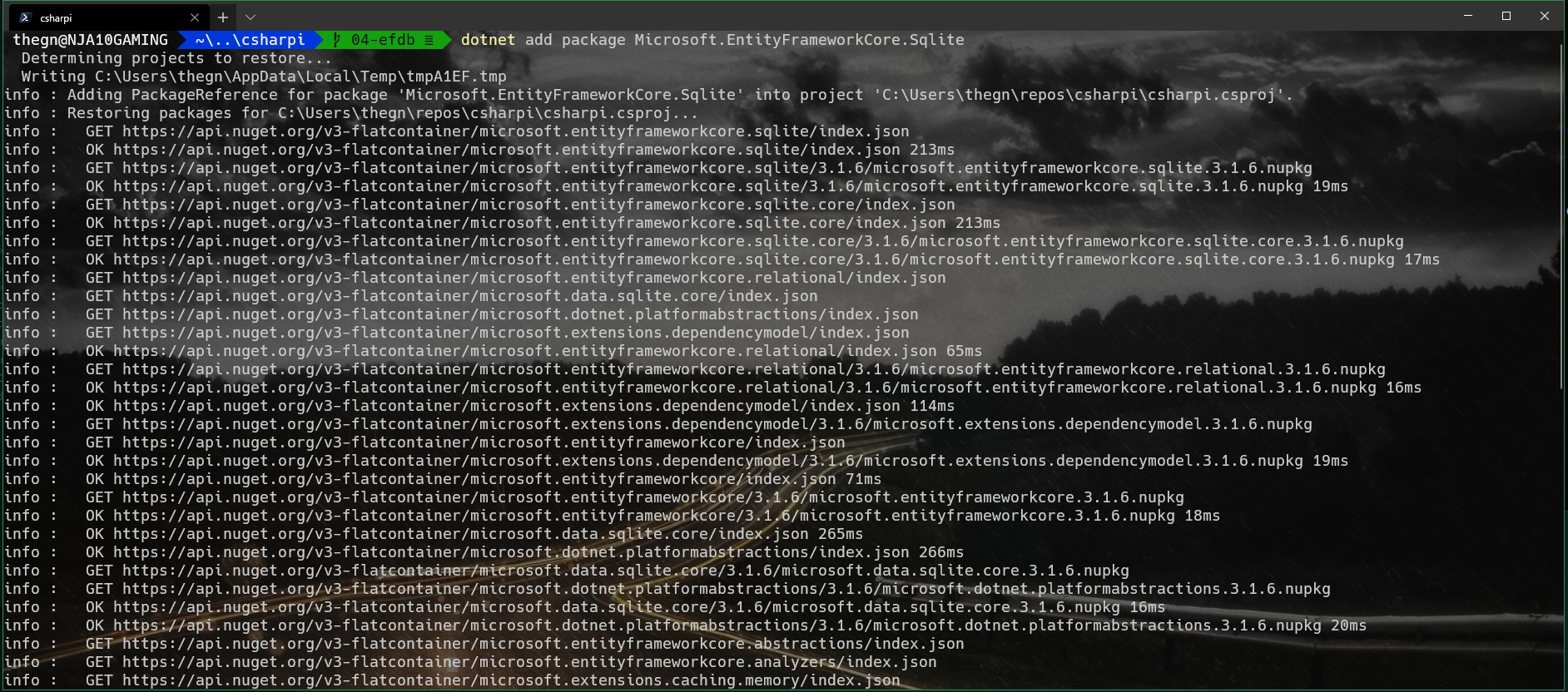
Now we’ll want to create a model for Entity Framework Core to use when generating the database. The model will be converted into a table.
To do this, we’ll:
Create a folder in our project root named Database
In the Database folder, create two files:
CsharpiContext.cs
EightBallAnswer.cs
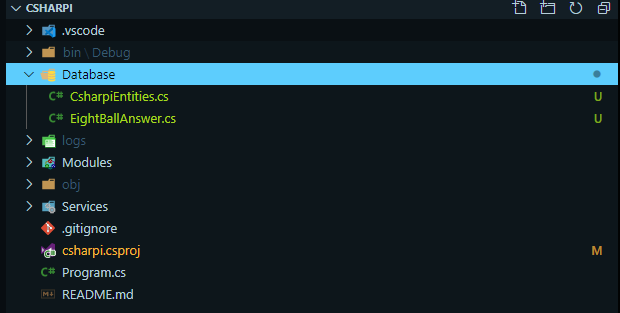
Let’s start defining our EightBallAnswer, by adding the following to the EightBallAnswer.cs file:
https://github.com/gngrninja/csharpi/blob/04-efdb/Database/EightBallAnswer.cs
Now we can create our DbSet in CsharpEntities.cs, which will tell EF Core what we want our database to look like:
https://github.com/gngrninja/csharpi/blob/04-efdb/Database/CsharpiEntities.cs
Now let’s add some pieces to our Program.cs file:
At the top:
using csharpi.Database;And to inject the DB Context via Dependency Injection:
.AddDbContext<CsharpiEntities>() That will make Program.cs look like this:
Now that we’ve defined what we want our database to look like, we can run some commands to get it created. Run these commands while in the root of your project folder:
Install tooling for EF in .NET Core
dotnet tool install --global dotnet-ef
dotnet add package Microsoft.EntityFrameworkCore.Design
Create the database using our model
dotnet ef migrations add InitialCreate
dotnet ef database update
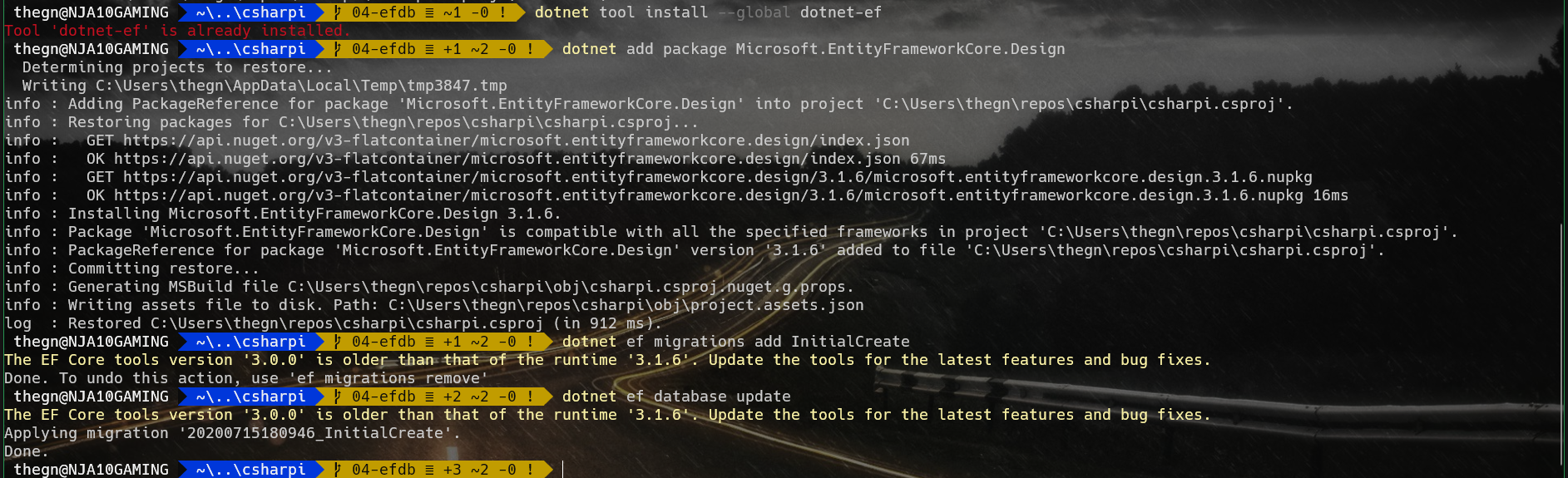
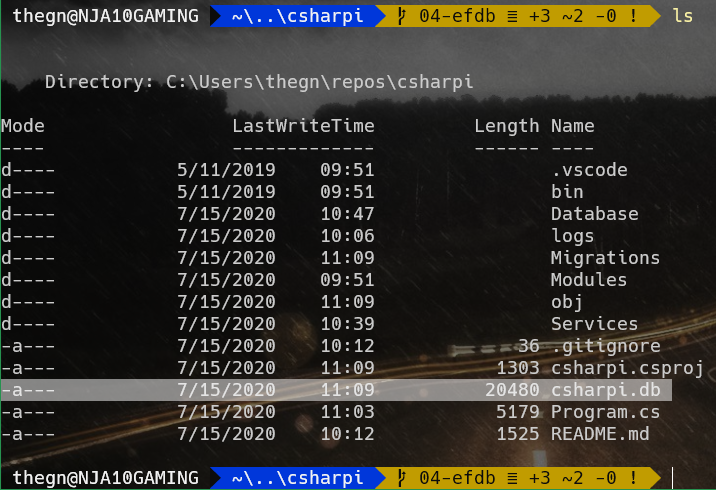
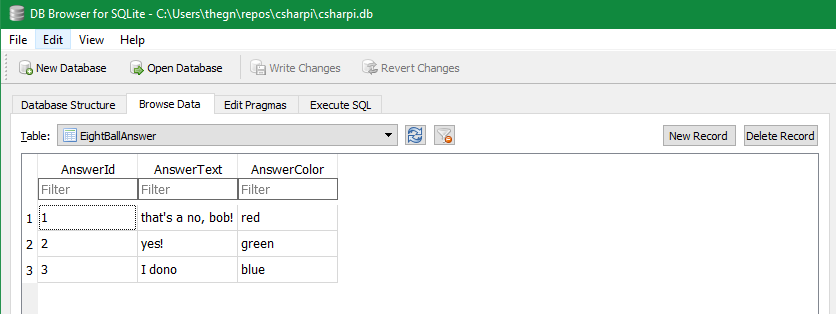
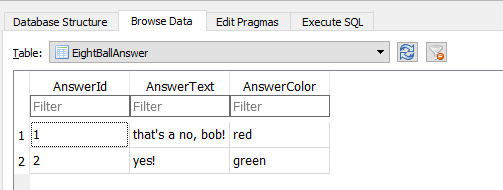
If all went well, you should see a new file named csharpi.db:
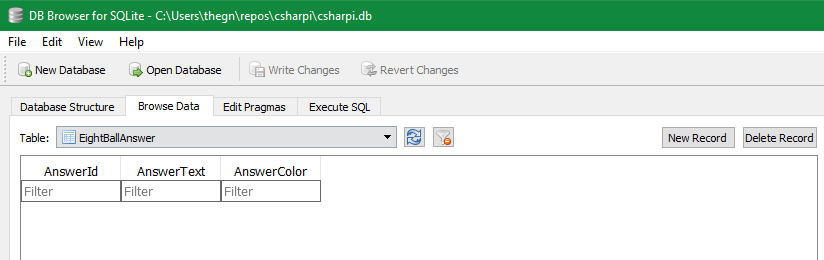
To take a look and verify the database was created as per our defined model, you can use this tool: https://sqlitebrowser.org/
Here is what the file I created looks like:
Now we will want to add some commands to the bot that will allow us to:
Add an answer w/associated color to the database
List out answers currently in the database
Remove an answer from the database
Ask the 8Ball a question
The first thing we will want to do is remove the 8Ball command from the Modules/ExampleCommands.cs file. After removing it, ExampleCommands.cs should look like this:
https://github.com/gngrninja/csharpi/blob/04-efdb/Modules/ExampleCommands.cs
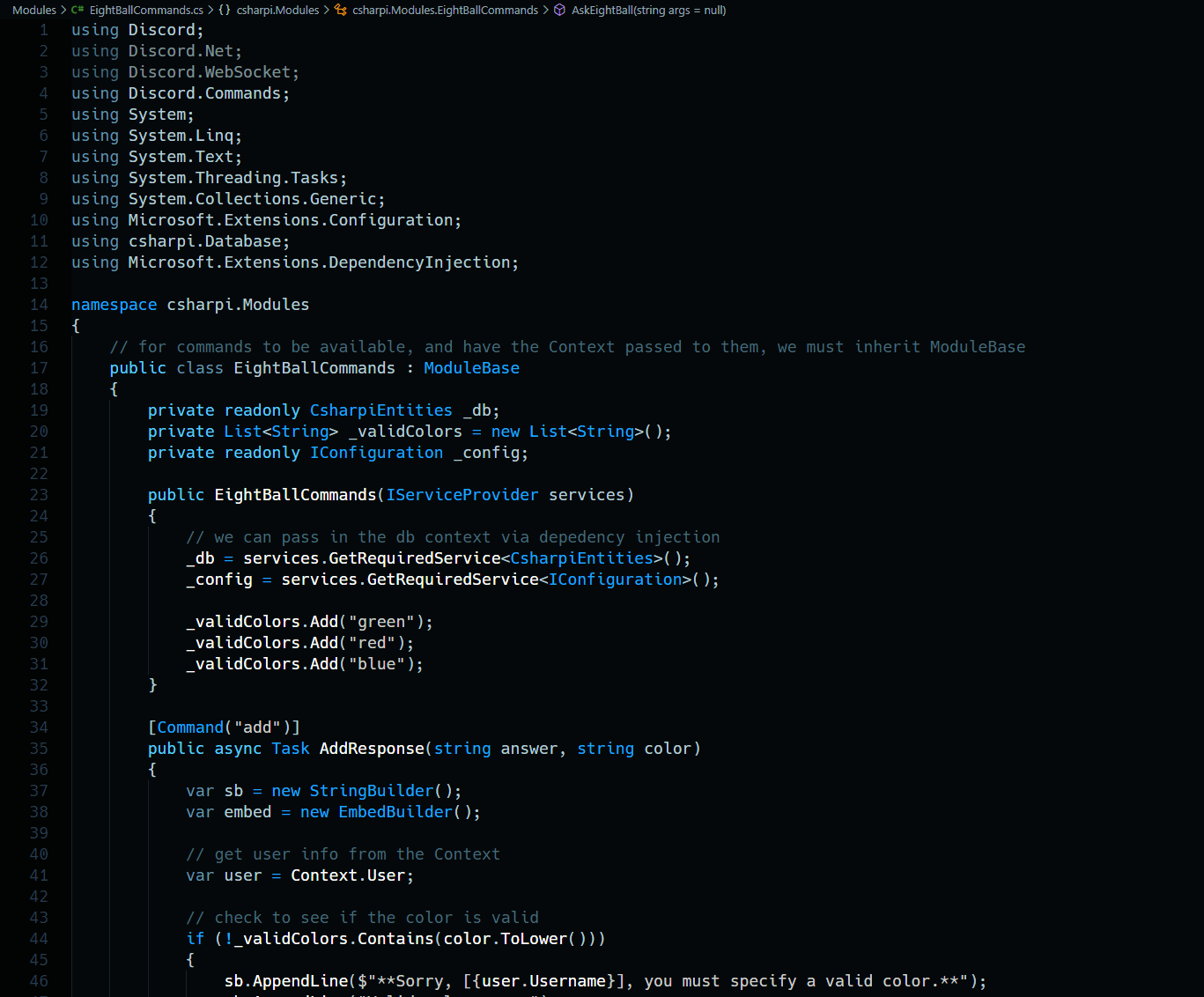
The next thing we will do is add all of our eight ball handling commands to a new file in the Modules folder named EightBallCommands.cs
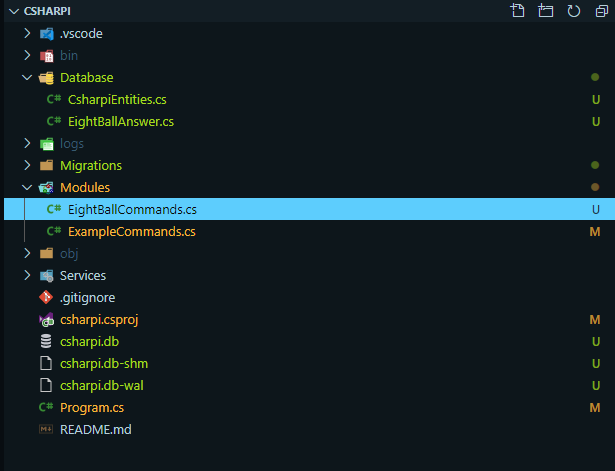
The contents for EightBallCommands.cs should be as follows:
Let’s test it out!
Adding answers
+add "yes!" "green"
+add "that's a no, bob!" "red"
+add "I dono" "blue"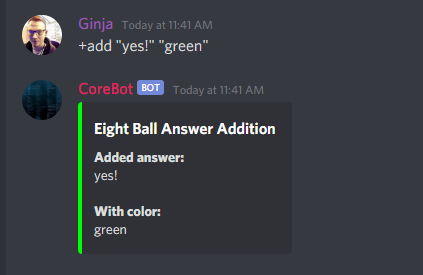
Listing answers
+list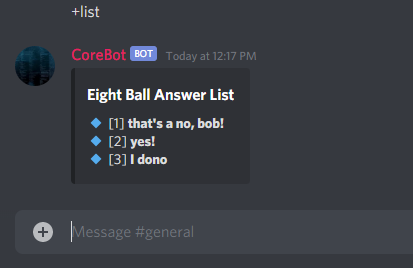
Removing answers
+remove 3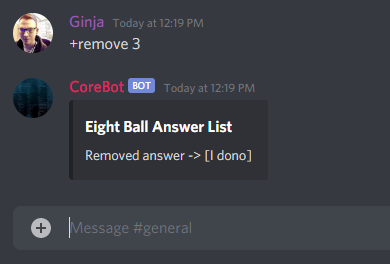
Asking a question
+8ball is the sky blue?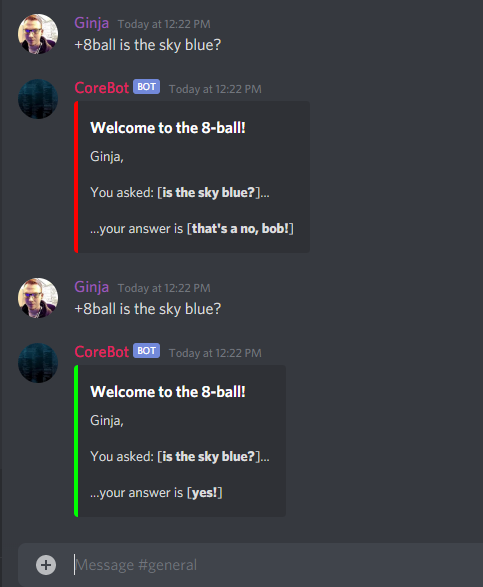
I asked it a couple times so I could see the different responses and color changes.
This is a very basic example of what you can do with a simple database, created via code, for your Discord Bot to use. If you have any questions or feedback, please leave a comment below!
Comments
No comments yet. Be the first!