PowerShell: Control your LIFX light!
LET THERE BE LIGHT!
This post has been updated on 5/18/17 to reflect changes made to the Lifx API!
I stumbled upon the fact that LIFX has an API you can use today. Having found that out I wanted to do it in PowerShell and see what I can do. As it turns out there's a decent amount of things you can do and their API is "limited" to around 1 call per second.
If you would like to get into even more detail, step-by-step, and behind the scenes of how this works, check out this post!
Requirements
To get started with this you'll need...
- A LIFX lightbulb.
- An API key generated from the LIFX cloud website.
- A basic understanding of LIFX's API documentation.
Getting started
Here's what I did to get started.
- Created a PowerShell script named Get-LifxApi.ps1.
- Opened the script up with basic parameters and variables to get started.
- Somewhat annoying my girlfriend with the light changing so much ❤️
Starting code
Notes
You'll want to change the $apiKey to match your API key from the LIFX cloud.
The $allURL variable will return all your lights, and then the $baseURL variable is used later when formatting calls to change colors or do other things. $foregroundColor let's you specify a color for some of the Write-Host returns, and $colors is an array of colors currently accepted by the API (and you'll see why it is there later in this post).
Let's make our first call!
I store the results of my light(s) in the $lifxLights variable.
$lifxLights = Invoke-RestMethod -headers $headers -Uri $allURL -ContentType $acceptheader
And now to write our first function in this script.
This function will allow us to utilize the API's state setting option. I named this function Set-LightState
I only have one LIFX light. In the start of this function I set my 'selector' (a required field for API calls to LIFX when setting states) as the light's ID. I then use the value of light's ID to setup the URL structure for the call. $fullURL becomes the URL used when accessing the API to set the state of the light.
Let's take some action!
At the start of the script I have a parameter for action.
Below is how it is used, in conjunction with toggle.
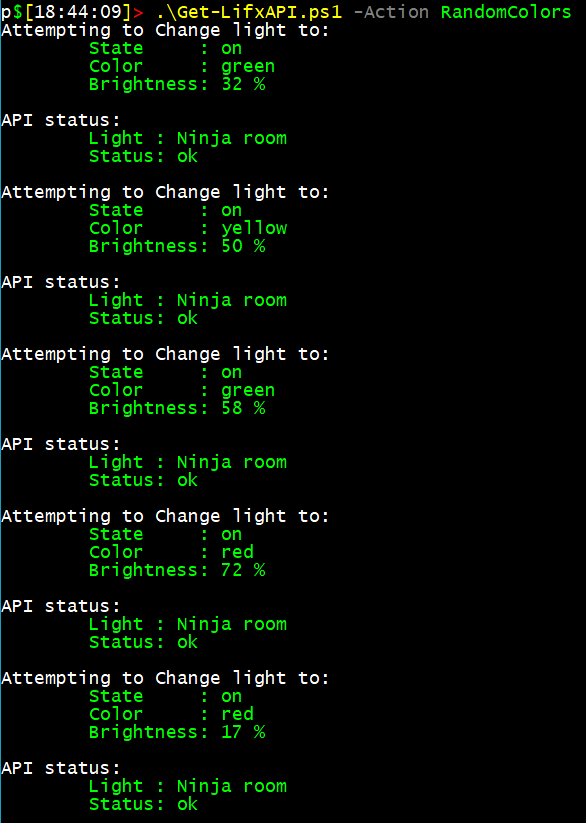
My favorite action is the RandomColors. I have that set to use Get-Random to set the color and brightness randomly. The other action is setstate. What that will do is set the light to a state you specify. If you do not give it options it will default to turning the light on to a brightness of 40% (0.4) and the color value of white (this is defined as per the default options for the parameters at the start of this script). You can change them by supplying the arguments when you run the script.
$fullURL example contents:
https://api.lifx.com/v1/lights/az0321123abc/state
Examples
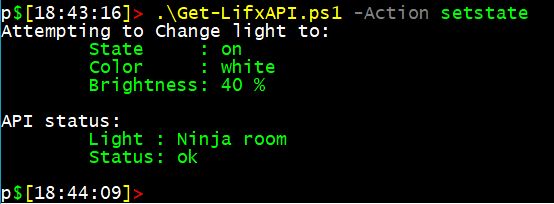
.\Get-LifxAPI.ps1 -Action setstate -State on -Color blue -Brightness 0.5
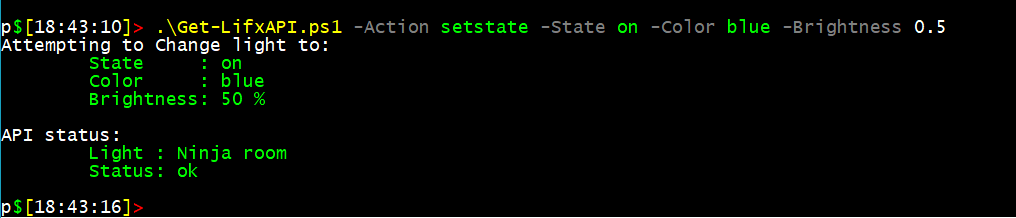
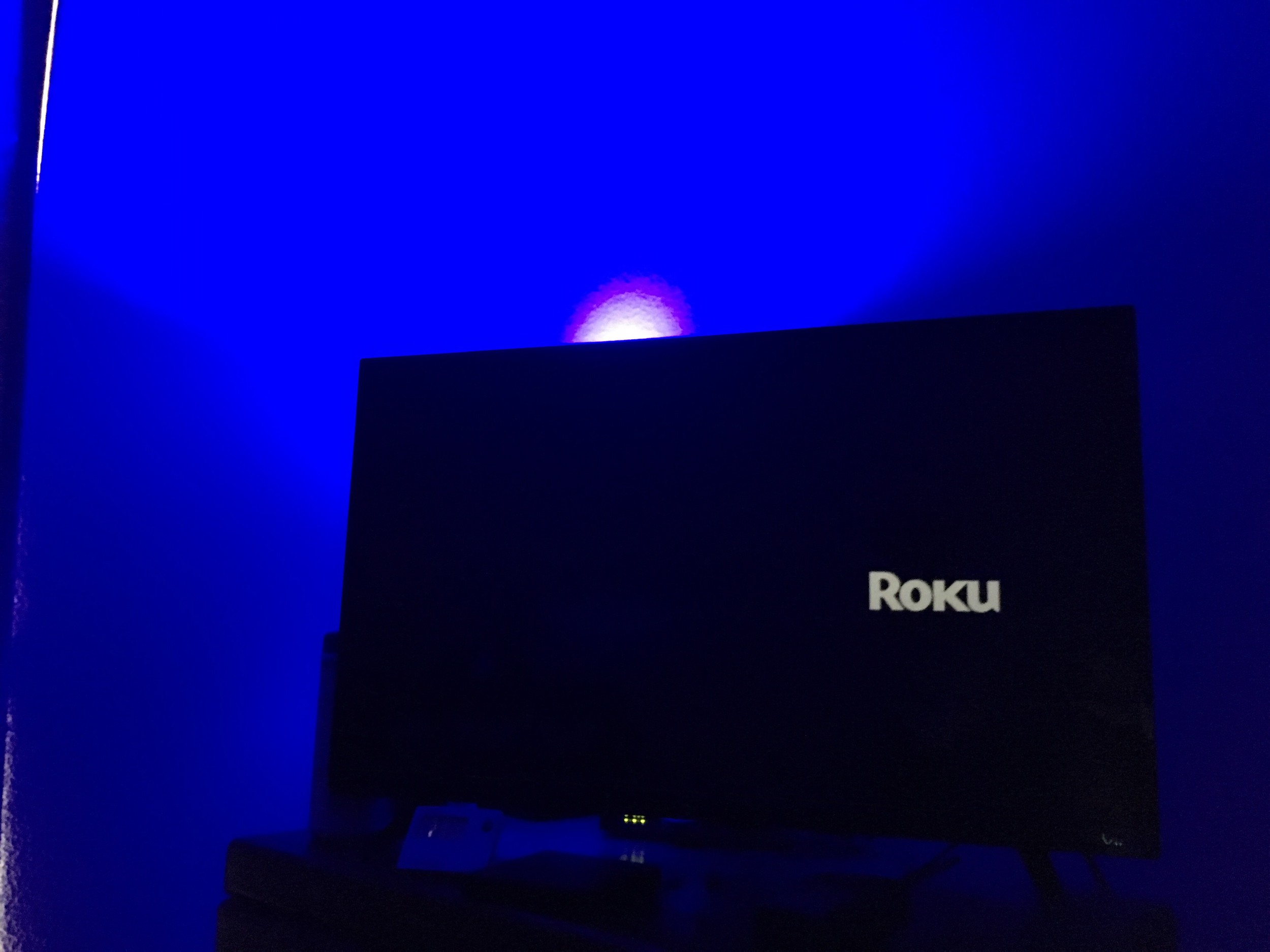
Did it work?!
(Yup)
.\Get-LifxAPI.ps1 -Action setstate
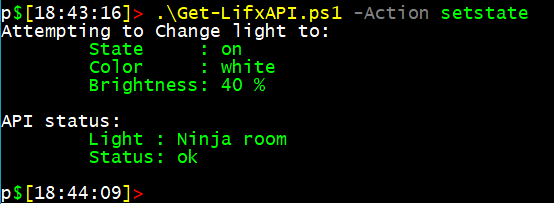
The above example is the simplest way to run it as it utilizes the default parameters. (actually, you could just run Get-LifxAPI.ps1)
Now for some fun!
.\Get-LifxAPI.ps1 -Action RandomColors
More to come!
I will be adding to this as I work on it more and clean it up. I will get adding:
- Help nodes for Get-Help (done!).
- More options to leverage different parts of the LIFX API (coming).
- And more as I think of cool things to do with this!
Use:
Get-Help .\Get-LifxAPI.ps1 -Detailed
To see the help that is included. Be sure to change Get-LifxAPI.ps1 to what you named your script to!
The Code
Leave comment if you have any ideas or feedback!
-Ginger Ninja
Comments
No comments yet. Be the first!